Have you ever wished you could ask your Kubernetes cluster what’s wrong and get a runnable fix instead of a wall of logs? For enterprise platform teams, that question isn’t academic — it’s a daily operational constraint.
Site reliability engineers (SREs) have relied on scripts, playbooks, and golden runbooks for years. What’s changing now is the interface, and more importantly, the guardrails that make AI-assisted remediation viable in production.
With the introduction of the Model Context Protocol (MCP), large language models (LLMs) and agents can now interact with Kubernetes in a structured, governed way, turning natural language into actionable diagnostics, safe command execution, and auditable remediation.
Let’s explore how MCP works, why it matters for SREs, and what it takes to run an MCP server in production without losing control.
3 Pillars of MCP
MCP is a protocol and runtime model that standardizes how agents discover resources, invoke tools, and reuse prompts. Resources provide read-only context, such as available clusters or namespaces, that help the agent understand its environment. Tools are the actionable functions you expose, like kubectl commands or helpers for decoding secrets. Prompts are reusable templates that guide the agent through structured workflows, such as diagnosing workloads or summarizing cluster health.
Together, these three pillars define how an AI assistant “thinks” and acts. They make behaviors predictable, reduce hallucinations, and let you treat the interaction as a repeatable automation flow instead of a free-form chat.
Why MCP Matters for SREs
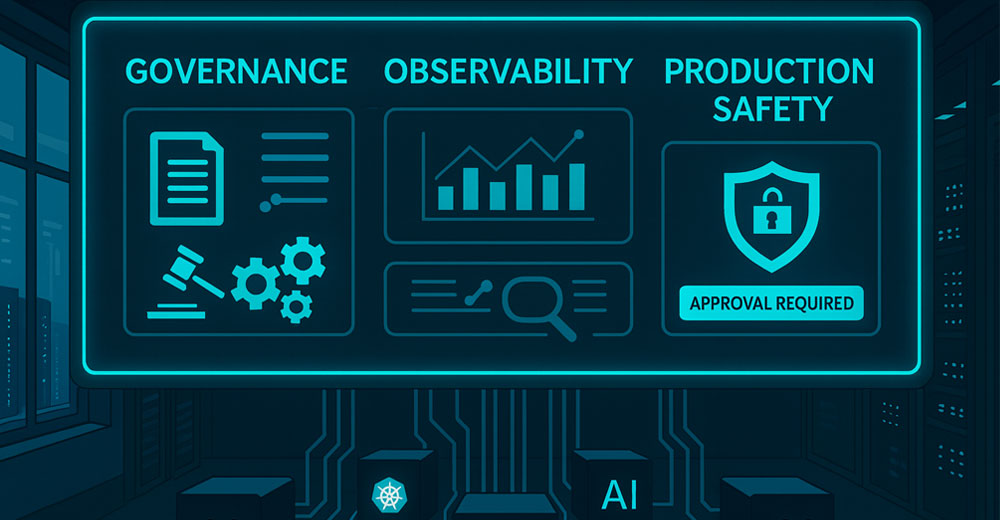
Giving an AI direct access to a terminal is reckless; giving it scoped tools with typed inputs and approvals is responsible automation. MCP provides that middle ground. You control which clusters are visible, which commands are permitted, and what requires explicit human approval. Every operation can emit structured telemetry, making it easy to trace what happened and why.
In practice, this means an agent can investigate a deployment with availability issues, trace the issue to a misconfigured secret, propose a patch, and wait for sign-off before applying it. The human remains in control, but the diagnostic and remediation work is automated and fully observable.
Building a Minimal MCP Server
You can build MCP servers in Python using FastMCP. The structure is simple: A transport layer (HTTP or stdio) and components composed of resources, tools, and prompts. One component can define resources such as cluster contexts, another can wrap kubectl commands with validation, and a final section can define prompt templates that guide diagnostics and health checks.
Destructive commands, such as delete or apply, should always include an approval gate. MCP supports interactive “questions” that pause execution until the user confirms. It also helps to normalize command outputs into a consistent JSON format so the agent can reliably parse and interpret results.
Observability and Safety
Treat the MCP server like any production microservice. Wrap each tool in OpenTelemetry spans to record execution times, results, and any errors, while redacting sensitive fields. Maintain an audit trail linking every prompt and command to the initiating user.
Scope permissions according to the principle of least privilege and use short-lived credentials. If the server is exposed over HTTP, enforce authentication and strict ingress rules; for local stdio use, isolate secrets and limit access.
Most hallucinations stem from vague definitions, not from the model itself. Clear, descriptive tool documentation helps the agent know exactly when and how to use a command. Prompts should encode step-by-step workflows: fetch events, inspect rollouts, decode related secrets, propose fixes, and verify results.
For longer operations, such as Helm installs, stream progress updates so the model doesn’t “fill in the blanks.”
Running MCP in Production
An MCP server can be packaged as a minimal container image with pinned dependencies and deployed like any other stateless service.
Configure Kubernetes credentials through workload identity rather than static kubeconfigs, and test everything through CI/CD. Add unit tests for tool wrappers, end-to-end checks using the MCP Inspector, and GitOps review gates for any new prompts or tools.
Once deployed, scale horizontally and monitor latency and error rates just as you would for any API.
Connecting Real Agents
After deployment, MCP servers integrate seamlessly with agents from tools like Cursor or Claude Desktop. These agents automatically discover available tools and prompts, allowing engineers to issue plain-language requests such as “diagnose workload X” or “summarize cluster health.” The agent interprets the request, triggers predefined MCP prompts, executes scoped commands, and returns structured findings or visual artifacts such as Mermaid diagrams.
The key advantage is consistency. Every action runs within the same controlled framework, with traceability and safe defaults. There’s no need for custom glue code for each LLM or agent; it all speaks the same protocol.
Intelligent, Explainable Automation
With MCP, Kubernetes troubleshooting evolves from manual inspection to guided, explainable automation. Routine tasks such as log triage, rollout validation, or drift detection can be safely delegated to AI agents operating within defined boundaries. The SRE remains the final decision-maker, but manual investigation and data gathering are dramatically reduced.
That’s the promise of MCP for Kubernetes: a transparent, testable contract between AI reasoning and infrastructure control. When built correctly, resources for context, tools for action, prompts for guidance, and telemetry for truth, Kubernetes finally becomes something you can talk to and trust.










 Loading ...